

WPS Intro:
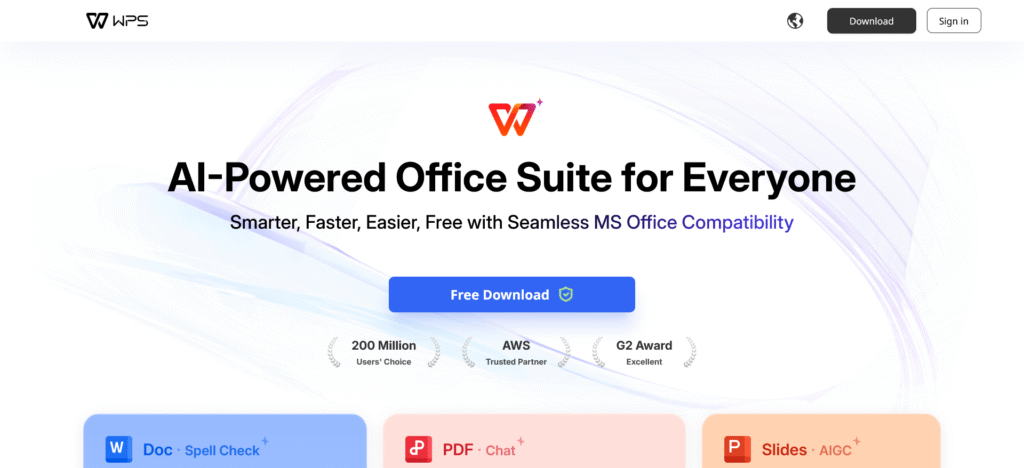
WPS Office is a free, all-in-one office suite that provides tools for word processing, spreadsheets, presentations, and PDF editing. It is designed as a complete alternative to Microsoft Office, fully compatible with Word, Excel, PowerPoint, and PDF files. With a clean interface, cross-platform support, and built-in AI features, WPS Office is quickly becoming the go-to choice for students, professionals, and businesses worldwide.
Unlike other heavy office programs, WPS Office is lightweight, fast, and free—making productivity easier for everyone.
Core Components of WPS Office
✍️ Writer (Word Processor)
WPS Writer is the ideal tool for writing essays, reports, letters, or professional documents. It includes advanced formatting, grammar correction, and spell check, while remaining fully compatible with Microsoft Word files. With real-time collaboration and export options, it’s perfect for both personal and professional use.
📊 Spreadsheets
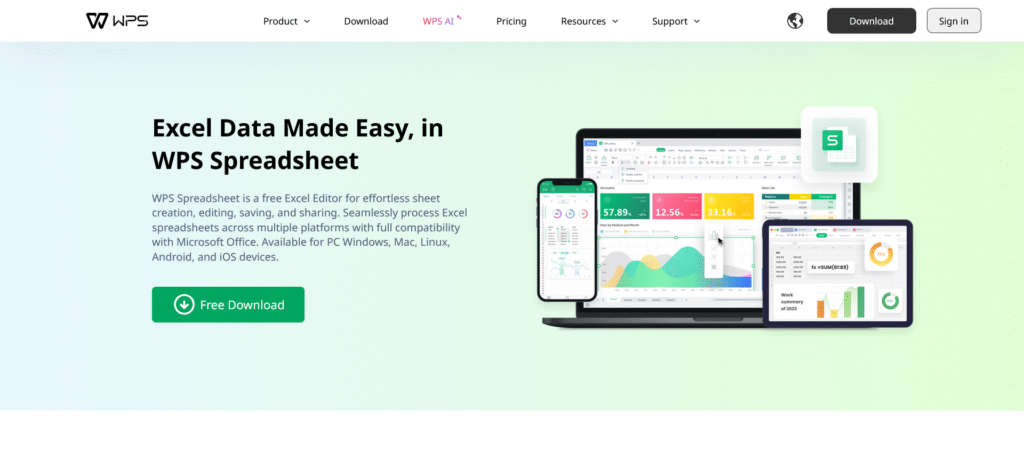
WPS Spreadsheets provides everything you need for data analysis and management. It supports formulas, pivot tables, charts, and financial modeling. From simple budgeting to advanced data tracking, it offers the power of Excel at no cost.
📽️ Presentation
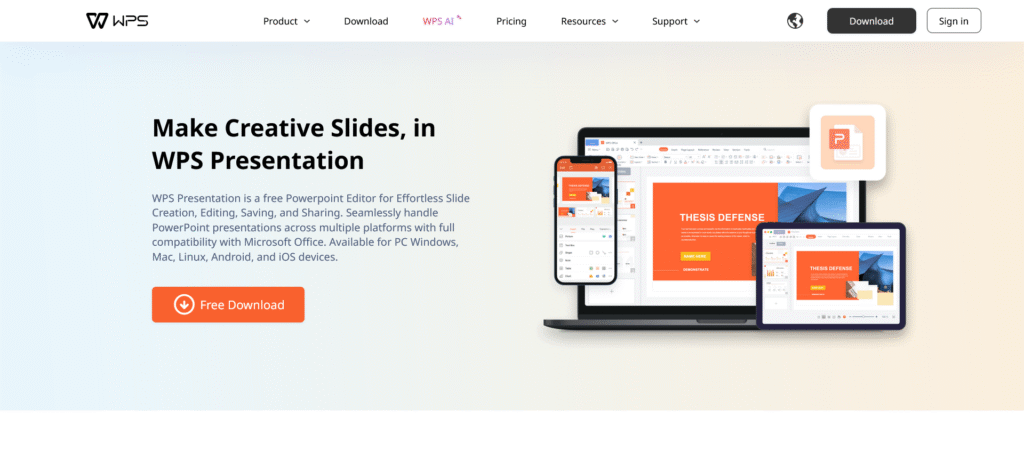
WPS Presentation lets you design beautiful slides with animations, transitions, and multimedia support. You can use thousands of built-in templates to make business meetings, school projects, or training sessions professional and engaging.
📑 PDF Tools
With WPS, you get built-in PDF editing features. You can convert, edit, merge, split, sign, and compress PDFs without needing separate software. This makes WPS a complete solution for both Office documents and PDF management.
Key Features of WPS Office
Pricing Plans of WPS Office
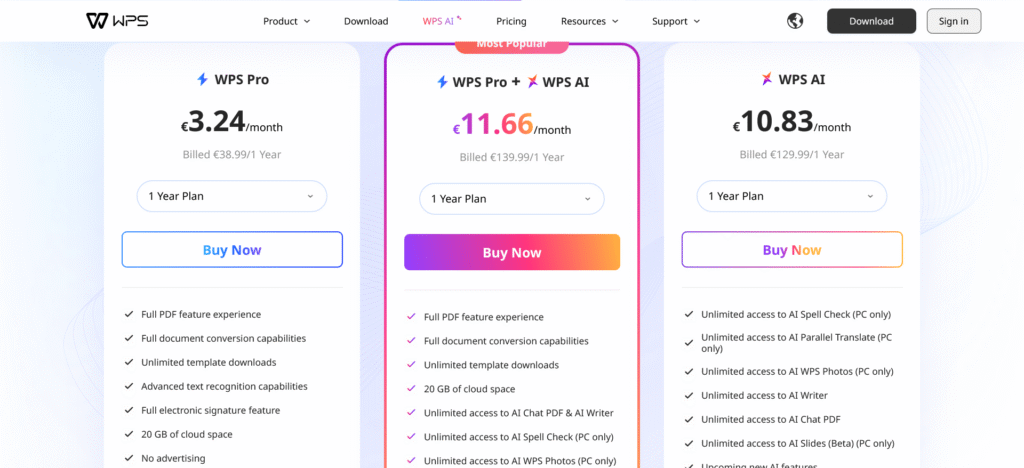
💼 Pricing Plans (Latest 2025)
From the official pricing page:
- ⚡ WPS Pro — €3.24/month (Billed €38.99/year)
- Full PDF feature access
- Full document conversion
- Unlimited template downloads
- Advanced text recognition (OCR)
- Electronic signature support
- 20GB cloud space
- Ad-free
- ⚡ WPS AI — €10.83/month (Billed €129.99/year)
- Unlimited AI-powered tools (Writer, Chat PDF, Spell Check, Translate, WPS Photos, AI Slides Beta – PC only)
- AI writing assistant & summarization
- Access to future AI features
- ⚡ WPS Pro + WPS AI (Most Popular) — €11.66/month (Billed €139.99/year)
- Includes everything from WPS Pro
- Plus all AI tools and unlimited template access
- Best value for professionals & businesse
🎓 Education Plan
Students and teachers benefit from ready-made templates for reports, resumes, and lessons. WPS is budget-friendly compared to Microsoft Office, making it a popular choice in schools and universities.
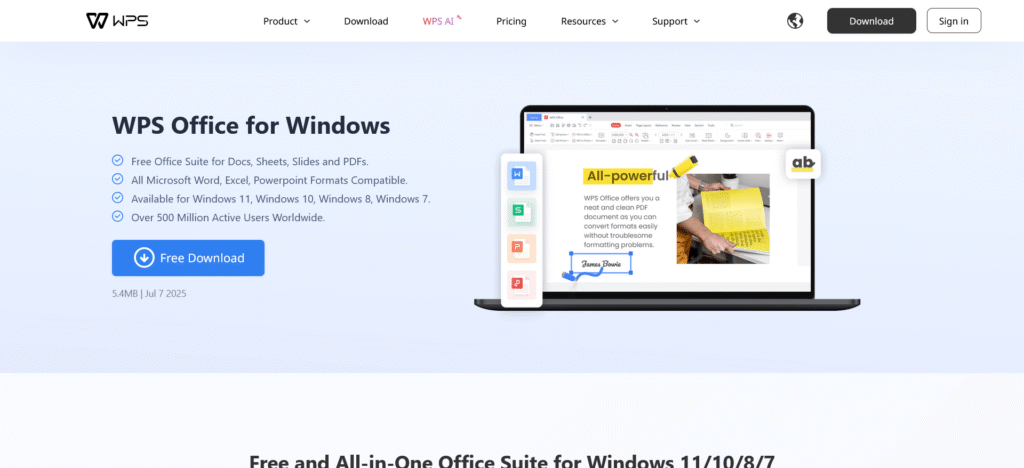
🖥️ WPS Office for Windows
Optimized for speed and lightweight performance, fully compatible with Microsoft Office formats, with advanced editing and collaboration tools.
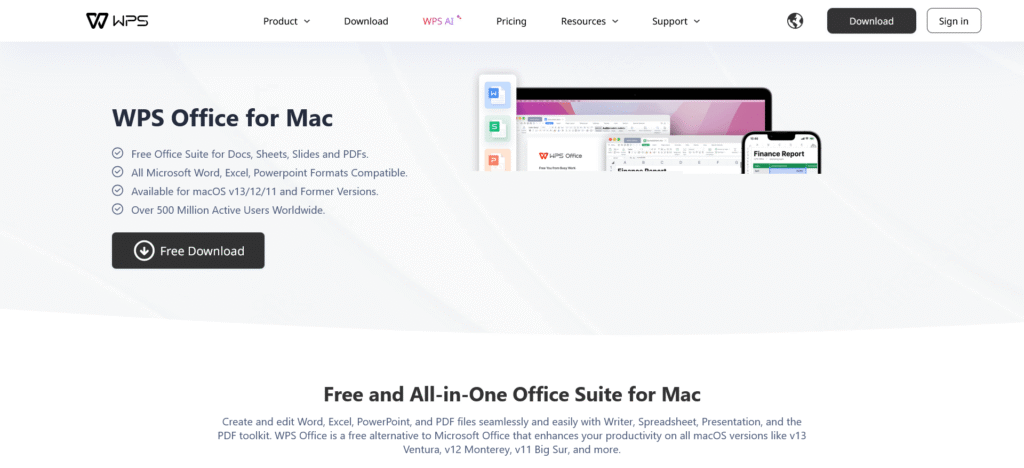
💻 WPS Office for Mac
Supports macOS features and ensures seamless document formatting across platforms. Great for users switching between Mac and Windows.
🐧 WPS Office for Linux
One of the few office suites offering full functionality on Linux. Includes Writer, Spreadsheets, Presentation, and PDF tools.
📱 WPS Office for iOS
Mobile-friendly with cloud syncing across devices. Work on documents from your iPhone or iPad while staying connected to your desktop.
🎨 Templates
Thousands of free and premium templates are available for resumes, invoices, reports, and slides. Fully customizable and designed to save time while looking professional.

Pros and Cons of WPS Office
✅ Pros
- Free core features available
- Affordable compared to Microsoft Office
- Lightweight and works on low-spec devices
- Fully compatible with Word, Excel, and PowerPoint files
- Built-in PDF editing (rare in free suites)
- AI integration for smarter productivity
- Cross-platform support (Windows, Mac, Linux, iOS, Android)
❌ Cons
- Free plan includes ads
- AI features only on higher-tier plans
- Brand less recognized than Microsoft/Google
- Some features limited to PC (e.g., AI Slides Beta)
Final Thoughts
So, what is WPS Office? It’s not just a free Microsoft Office alternative—it’s a complete productivity solution. With powerful tools for documents, spreadsheets, presentations, and PDFs, plus AI integration and affordable premium plans, WPS Office makes work easier and smarter for everyone.
👉 Download WPS Office today and enjoy professional office tools without the high costs.
👉 Check our Previous Review’s

Pingback: WPS Software: Free Download for PC & Android with WPS Office